
Fountain County Indiana SAVIN Coverage
Indiana SAVIN is the state's official custody-notification service, and the Indiana Department of Correction FAQ spells out the basics. It covers offenders in all 92 counties. Registration is free. Notification details stay confidential. The service runs around the clock, and it flags release, transfer, placement, and other custody changes as alert events. The Fountain County site makes no such claim about the jail feeding SAVIN. No participation flag appears there either. The sound move is to search Fountain County in the live selector, then call the service and the sheriff if no record turns up.
Check a Fountain County Arrest
Start with the person's full legal name plus one more identifier. Similar names are common here. A single spelling slip can hide a match. If the search asks for a location, pick Indiana and then Fountain County, and skip entering anyone's private contact details just to run a custody check.
- Open VINELink’s custody search.
- Select Indiana and Fountain County when those controls are offered.
- Enter the name or offender or facility identifier requested by the live form.
- Compare all possible matches using identifier, location, and status.
- Open the likely record and note when the status was updated.
- If absent, check INjail and call the Fountain County Sheriff.
The Fountain County recent-arrests hub covers the underlying booking and court records. Use VINELink for one person, not for browsing groups.
Fountain VINELink Search Screen
The live interface changes, so its controls may not match any fixed description. Begin instead at the official VINELink home screen.
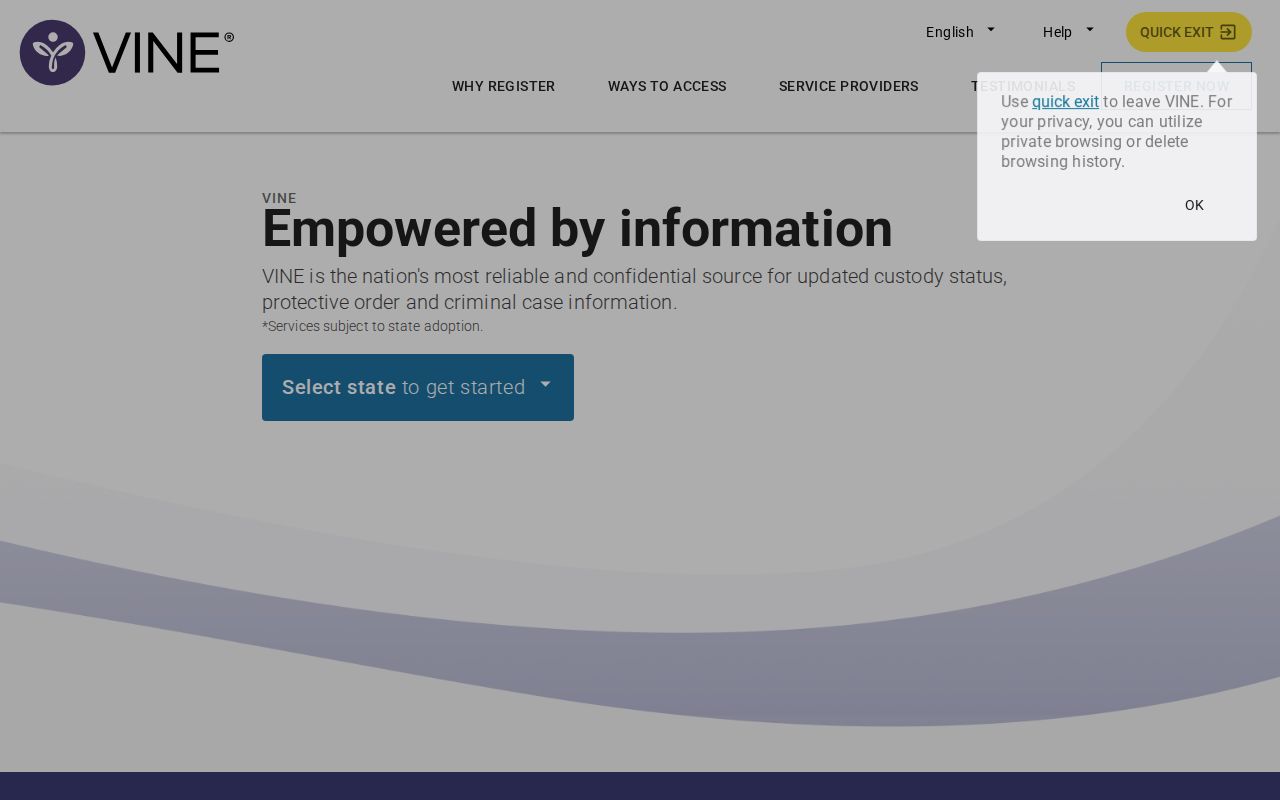
The screenshot shows the public search entry point. No real person's data appears in it. Follow the live page's current controls instead of any saved image's exact labels.
What Fountain VINELink Results Show
VINE centers on custody status and notification, nothing more. It does not promise every booking field, a photograph, or the final court outcome, so read each item within its narrow purpose.
| Result item | What it means |
|---|---|
| Name | The identity attached to the custody record; verify same-name matches. |
| Offender or facility ID | An identifier for the custody record, not necessarily a court case number. |
| Status | The current state reported by the supplying custody system. |
| Facility or location | Where the service reports the person held or placed. |
| Update information | A clue to freshness, not a guarantee of immediate data. |
| Notification option | A path to register for supported custody-change events. |
A release or transfer can change the location shown. A missing name does not disprove the arrest. Intake lag, quick release, a transfer, a spelling difference, or custody outside VINE's scope can all explain an empty result. For the filed case itself, turn to Indiana MyCase and the county clerk.
Register for Fountain Custody Alerts
Registering is a separate step from searching. Select the matching record first, then choose the alert event and delivery method, with Indiana materials describing the service as free and confidential. Keep the person's phone, email, and PIN private.
- Confirm that the record belongs to the intended person.
- Choose release, transfer, placement, or another offered custody event.
- Select phone, text, or email if shown by the live service.
- Enter your own contact information.
- Create or enter a PIN when the phone workflow requests one.
- Complete confirmation and save the service instructions.
- Update registration if your contact details change.
An alert tracks change; it cannot replace safety planning, a court notice, or a call to the jail. The Indiana FAQ lists the SAVIN line: 1-866-891-0330. A county-sheriff explanation gives 1-866-959-VINE instead. Check the live screen for whichever number the current service uses.
VINELink Alert Registration Screen
The official VINELink registration route leads into the alert workflow. That route's address is dynamic. It may resolve through the same base application as the search.

The registration stage appears without any submitted details. No phone number, email, or PIN shows, and users should keep those confidential.
Indiana SAVIN Status and Branding
Indiana's official service page and VINELink are related doors into the same system. The branding differs between them. The Indiana SAVIN site is the state route referenced by IDOC.
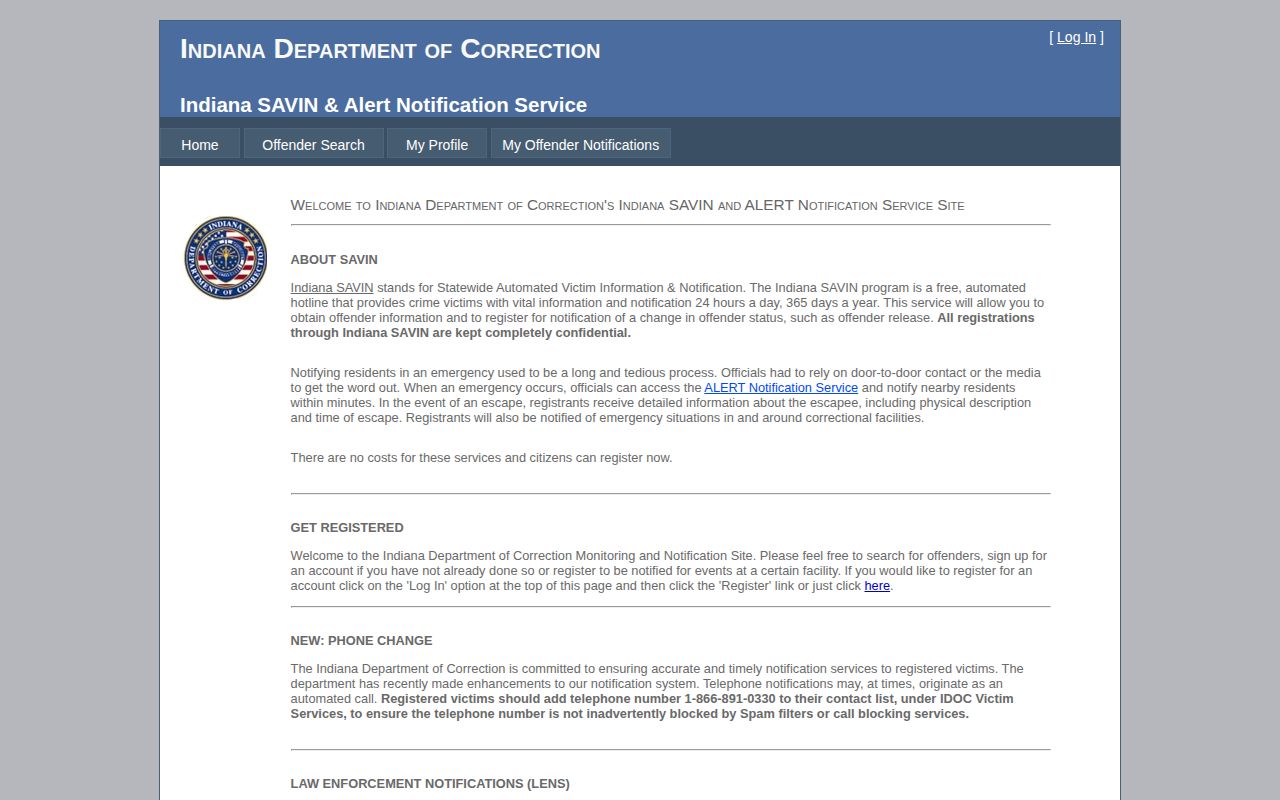
This documents the statewide service only. It is not a Fountain County participation result, so search the live selector and call the operator if a record stays missing.
Fountain VINELink Limits
VINE can trail a fresh booking while the jail finishes intake, fixes an identity, processes a release, or sends an export. An arrest just hours old may not show. Compare the result with Fountain County 24 Hour Arrests. The sheriff can be reached at 765-793-3545 or 765-793-2410. INjail Public Access offers another official county-jail check. VINELink is no booking-photo archive, either. Nor does it cover federal Bureau of Prisons or immigration custody as though those were Fountain County jail records. Federal prison custody belongs to the BOP locator. Immigration detention belongs to the ICE detainee locator. The IDOC offender locator applies only after state correctional custody begins, not to an ordinary county pretrial booking.
Note: A successful alert registration is a notification aid, not a promise that every change will arrive without delay.
Fountain Custody Status Is Not Guilt
Check your notification settings now and then. Save the confirmation message, guard your PIN, and update your phone or email whenever it changes. Confusing messages deserve suspicion. Go back to the official service or call its operator. Never share personal details with a stranger who reaches out first. Missed an alert? Ask the jail directly. The source record, the delivery network, and your registration each sit at a separate point where delay can creep in.
Transfers call for extra care. A person moved out of Fountain County Jail might land in another county facility, Indiana state custody, federal custody, or somewhere else entirely. VINELink only passes along what its participating source gives it. So ask the sheriff where the person went, then search the system covering that destination. Keep in mind that a name vanishing from the old Fountain listing does not mean anyone was released.
Treat alerts as one piece of a larger plan. Keep the SAVIN operator and sheriff numbers handy, write down when you last checked, and confirm any surprising release or transfer yourself. The public service protects what you register, but you have duties too. Never post confirmation messages, PINs, or contact details anywhere. Where a court hearing or protection order touches personal safety, follow the official notice and the professionals involved rather than trusting an automated alert by itself.
A custody result tells you where a system has placed someone and what status it received. That is its whole job.
No screenshot here doubles as a booking photo gallery. The images display official search and registration screens only, with no photographs of arrested persons rehosted anywhere on the page.